
Optimize and ship
You will make a built file smaller, check that nothing visible changed, and save the result next to the original.
1. Open Files
Everything Build wrote is already in Files. To optimize something else, use Add files….
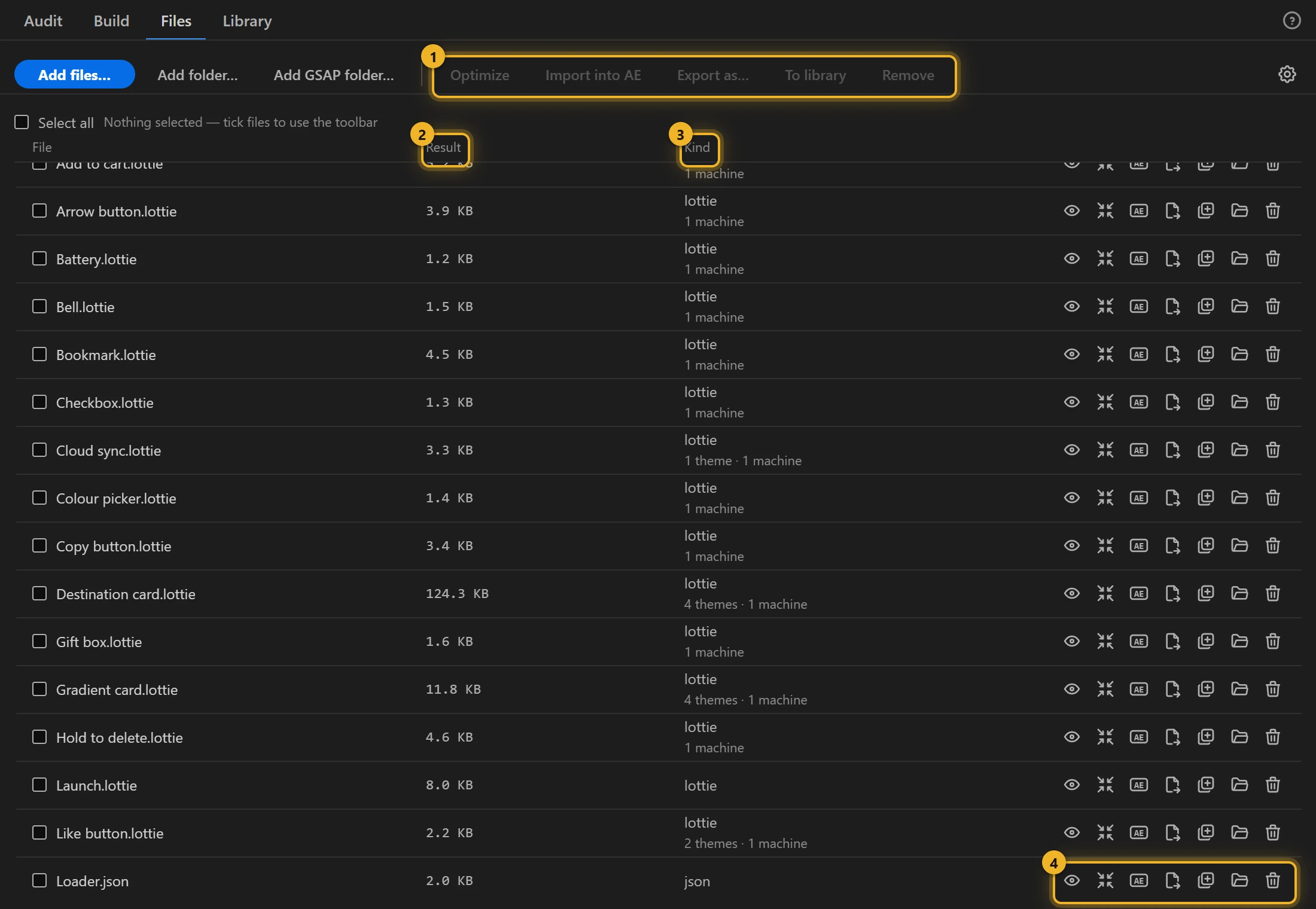
2. Choose the settings
Press the gear for Optimize settings. Start from the Safe preset 1: it contains only steps that do not change the picture. For a heavier file, turn on the lossy steps you can accept, and set their tolerance.
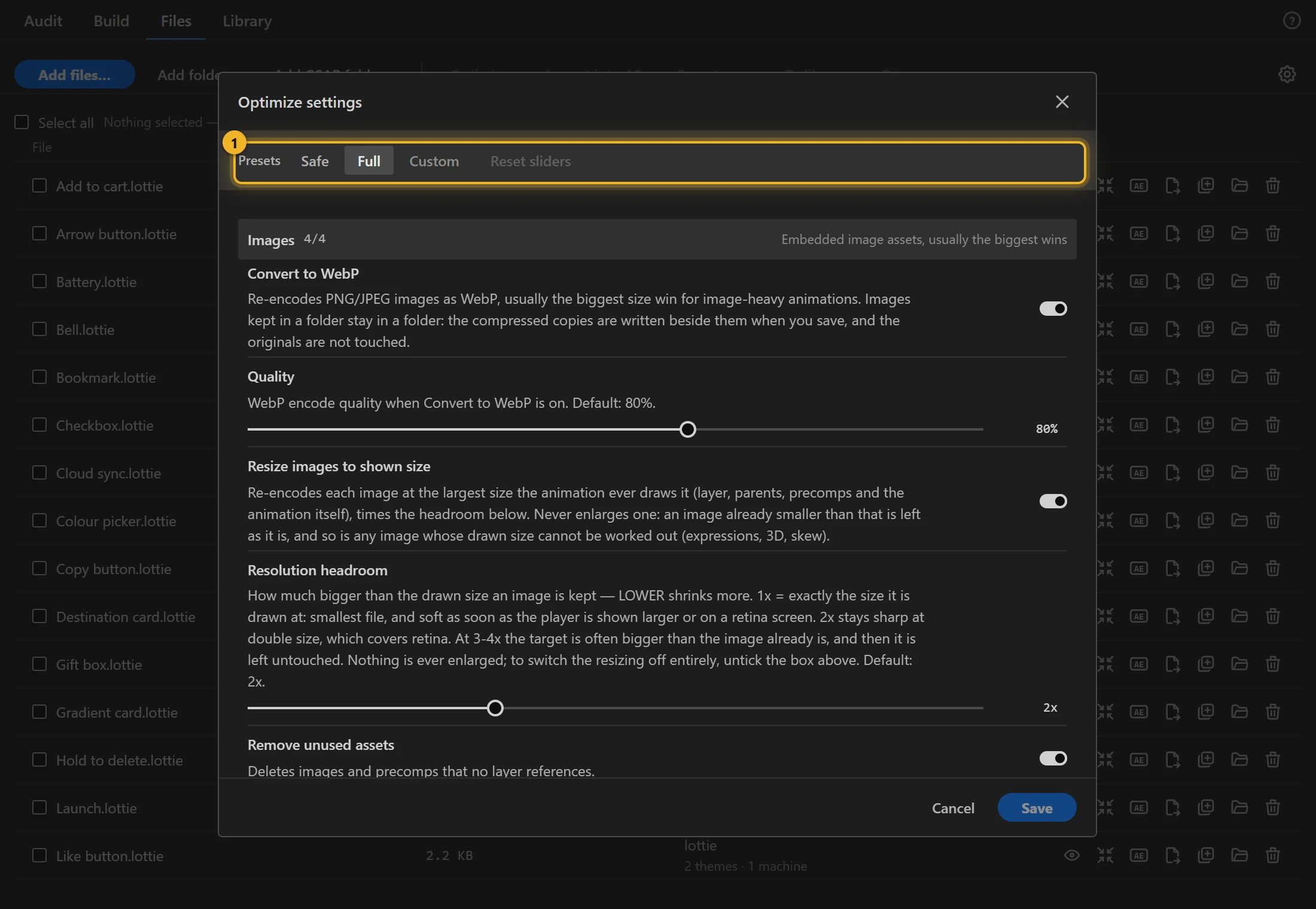
Leave Check the picture after optimizing on when you use lossy steps: AXO renders before and after and switches off any step that changed the picture.
3. Optimize
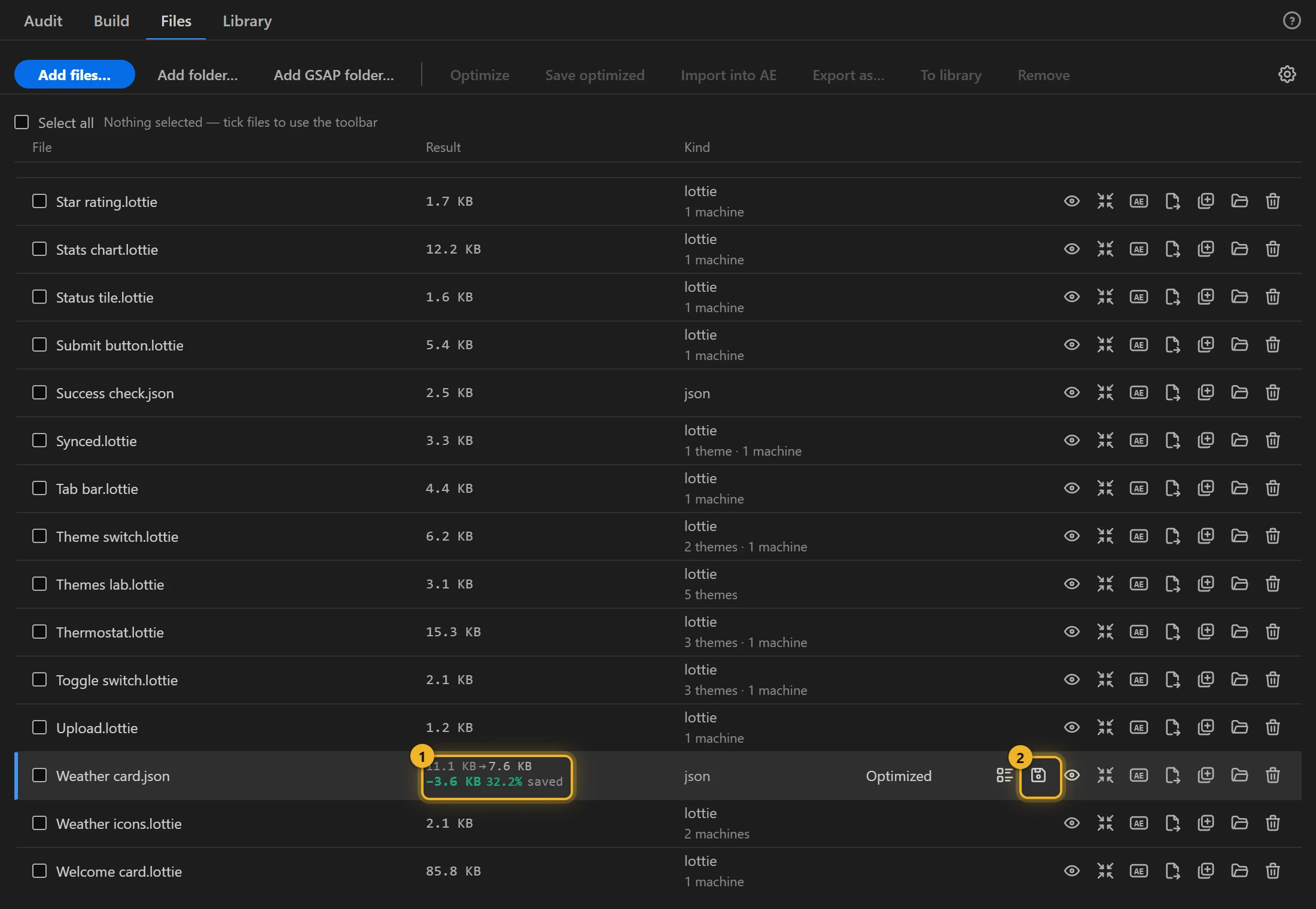
Press Optimize on the row. The row shows the size before and after, and the saving 1. Save 2 is right there in the message.
4. Look, then save
Press Preview to compare. Then Save writes the optimized file next to the original, which is never overwritten.
5. Need a video too?
In Build, turn on gif, webm, avif or webp next to the Lottie format (they are under All formats… until used) and build again: After Effects renders the comp itself, so every effect looks as it does in the comp, and ffmpeg encodes it, with a real alpha channel where the format has one. That is handy for a review, a README or a store listing. Video settings… sets size, frame rate and quality. ffmpeg is installed once (how).