
Help
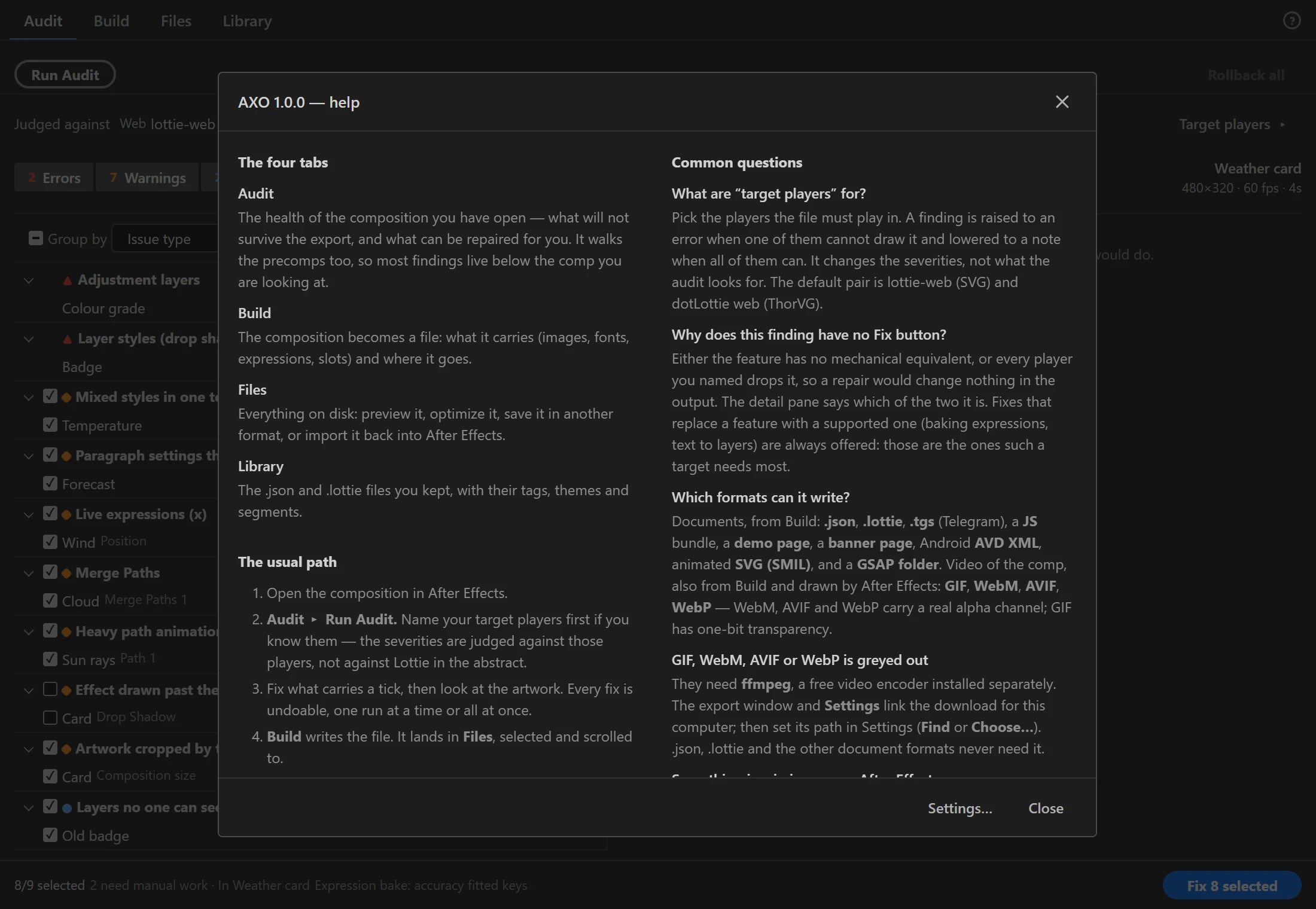
The ? at the top right of the panel opens Help: the four tabs, the usual path, and answers to the questions people ask most about the panel.
Settings
? › Settings… (also in the panel menu ≡) holds what belongs to no single tab: the path to ffmpeg, the free video encoder that GIF, WebM, AVIF and WebP need. Every other setting lives in the tab it changes; Settings lists all of them.
Light and dark
The panel follows After Effects: a dark interface gets the dark panel and a light one the light panel. There is no setting for it.
When the panel goes blank
If the panel shows a crash screen, press Copy details. It collects the panel build, your After Effects version and the whole error; send that text instead of a screenshot. Reload panel starts the panel again.
When After Effects does not answer
Every task the panel hands to After Effects runs inside After Effects, and nothing else in After Effects moves until it ends. If a task has not answered for 30 seconds, a message says so: a long task may still be running, or a dialog in After Effects is waiting for you. Close the dialog or let the task finish. The panel carries on when After Effects answers.