
Library
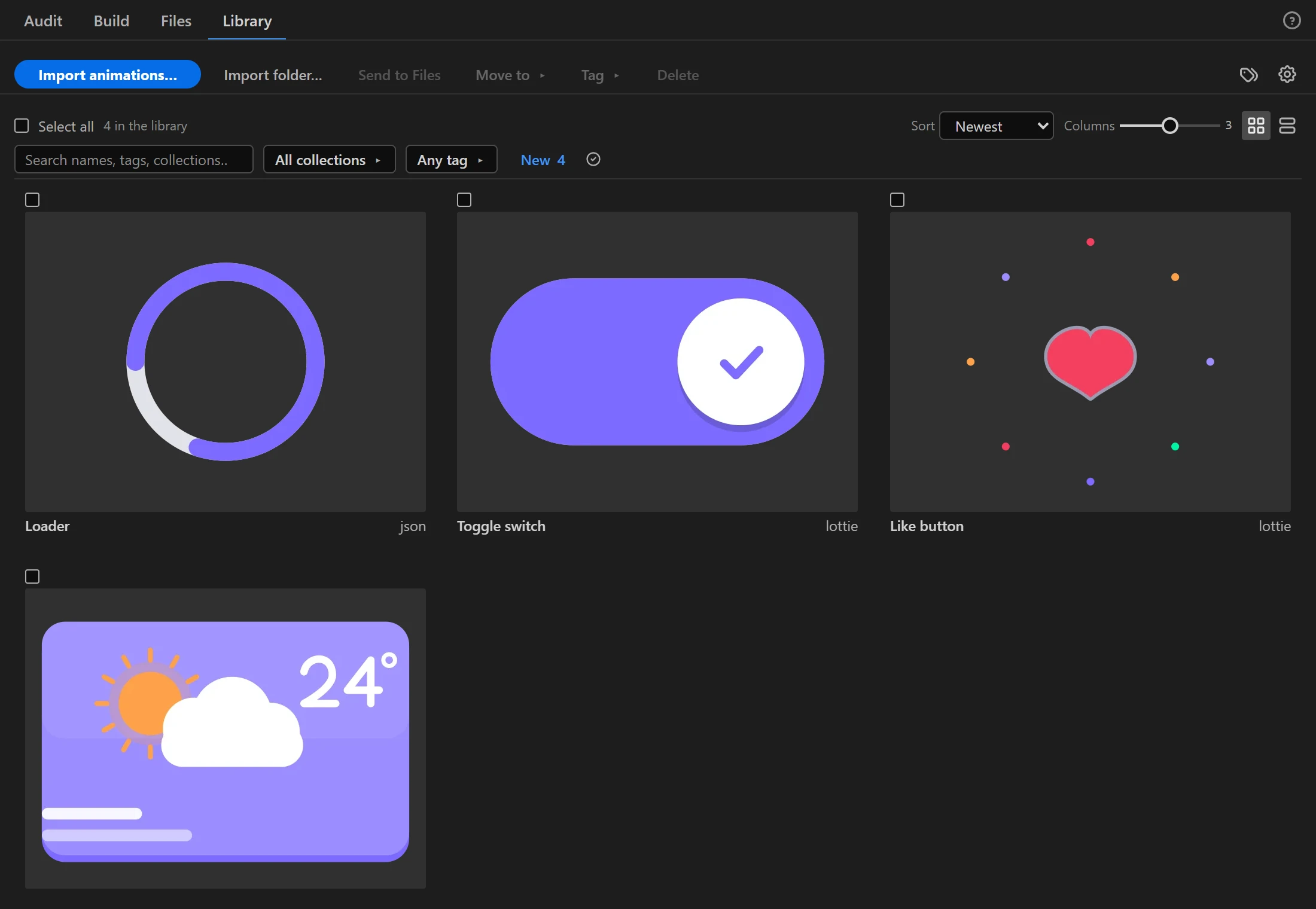
The Library keeps finished animations in one place, playing as thumbnails. Files you add are copied into AXO's own data folder, so the Library does not break when the originals move.
Add
- Import animations… and Import folder…:
.json,.lottie,.tgs,.svg. As in Files, an.svgmust be animated with SMIL; a still picture or a CSS-animated one is not added. A folder with none of these says so, and stopping a folder scan adds nothing. - To library on any row in Files.
Thumbnails for new files are drawn in the background while you keep working. The panel stays responsive, and a library of about 3000 animations is done in roughly a minute.
Find

- Search by name, tag or collection 1.
- All collections and Any tag 2 filter the view; New shows what was added since you last looked.
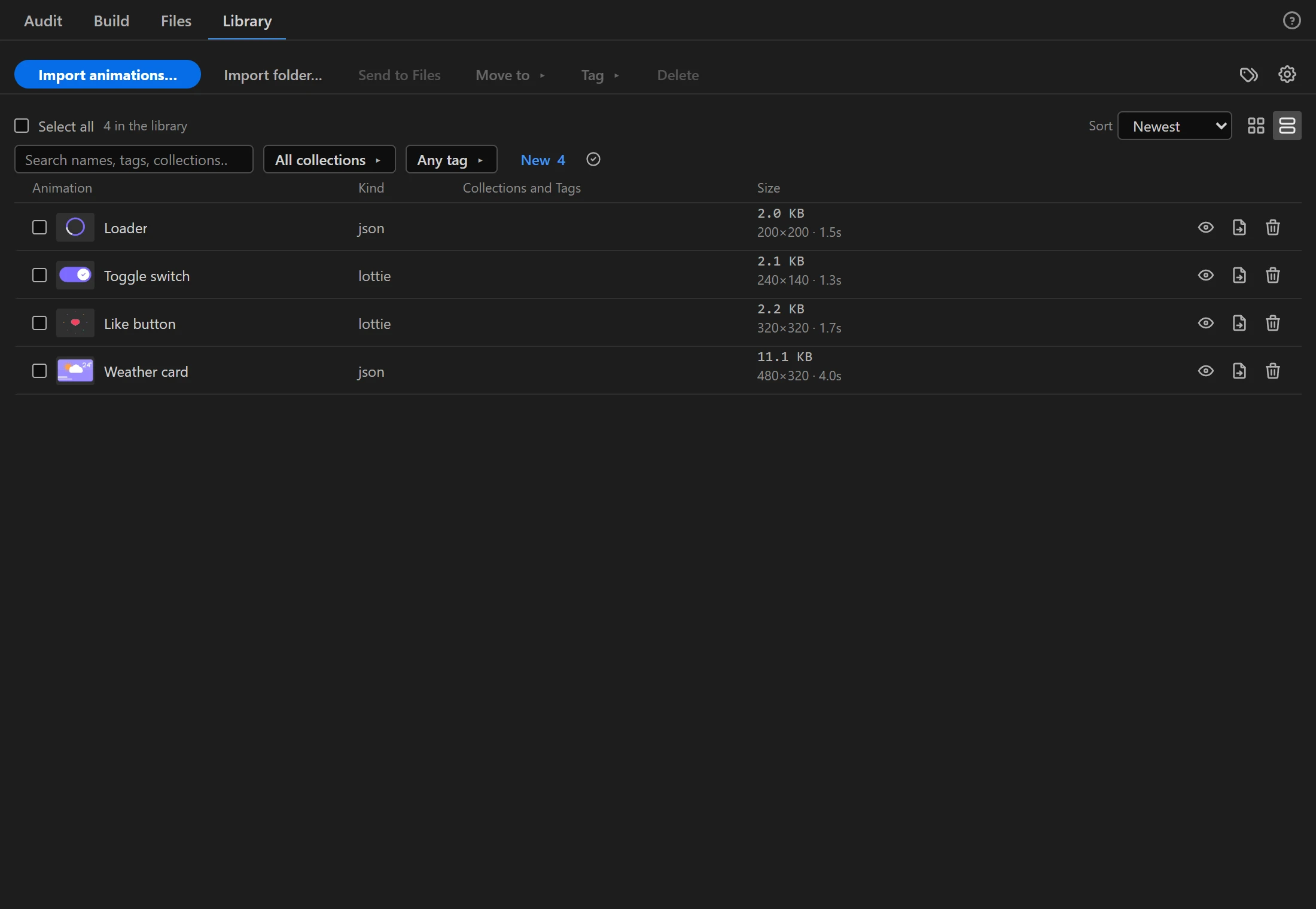
- Sort 3, Columns, and the grid/list switch 4.
Organize
Tick items, then Move to ▸ a collection or Tag ▸ them. The tag icon at the top right opens Tags and collections…, where you rename or delete them. Deleting a tag or a collection never deletes an animation.
An item
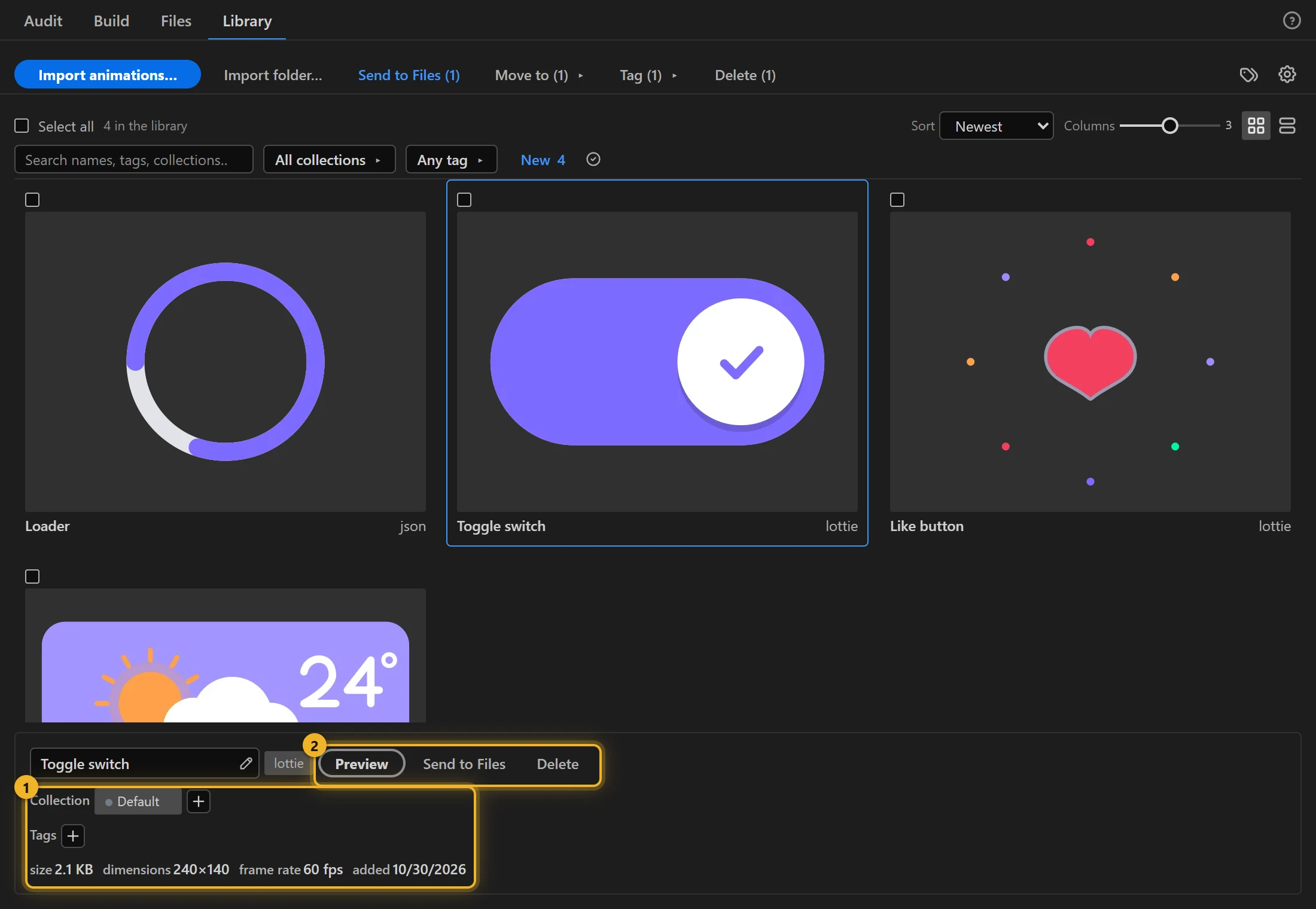
Click an item to see its details 1: name, kind, collection, tags, size, dimensions, frame rate and date added. Beside the name are its actions 2: Preview, Send to Files and Delete.
Delete removes ticked items from the Library. A file is deleted only after the Library has recorded the change, so if the change cannot be saved (on a full disk, say), every item and its file stay as they were.
The Library does not render video. Build writes GIF, WebM, AVIF and WebP from the comp.
Backup
The gear opens Library settings:
- Backup writes the whole library to one archive. Restoring merges: what the library holds today stays as it is, and only what is missing comes back. Each restored file is checked against the animation it belongs to. A damaged file is not written (an existing copy in the library is kept), and the restore report lists it. A restore that would write more than 2 GB, or a backup with a single file over 100 MB or more than 10,000 files, is refused before anything is written.
- Thumbnail cache can be cleared; the thumbnails are drawn again in the background.
In the trial
The trial version has its own library, separate from the full version's. It comes with our 39 sample animations (the ones these docs and tutorials are built on) in the Samples collection. You can browse, tag and preview them, import them into After Effects, send them to Files, and delete them; a deleted sample comes back only with a new set of samples in a later trial. Adding your own animations, backup and restore are in the full version. When you install the full version, it removes the trial's library and its samples, so the full version's library holds only your own files.