
Audit and fix a comp
You will check a comp against the players you ship to, repair what AXO can repair, and undo a fix. About ten minutes. The pictures use the sample Weather card comp; follow along with your own.
1. Say where the file will play
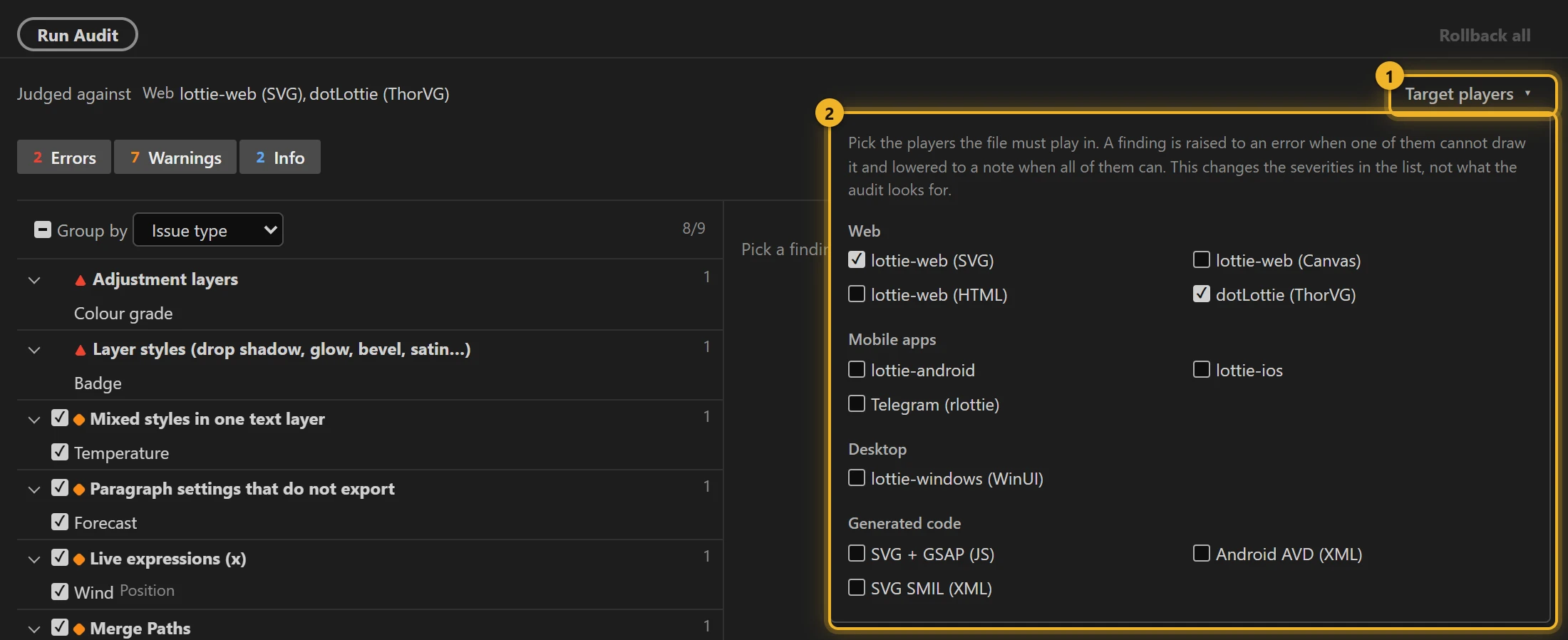
Open the comp in After Effects. In Audit, open Target players 1 and tick every player 2 the file has to work in: for a website, lottie-web (SVG) and dotLottie web (ThorVG) are already ticked.
2. Run Audit
Press Run Audit. The strip at the top shows what the findings are judged against 1, counts errors, warnings and notes 2 for the comp you have open 3, including everything inside its precomps.

3. Read the findings
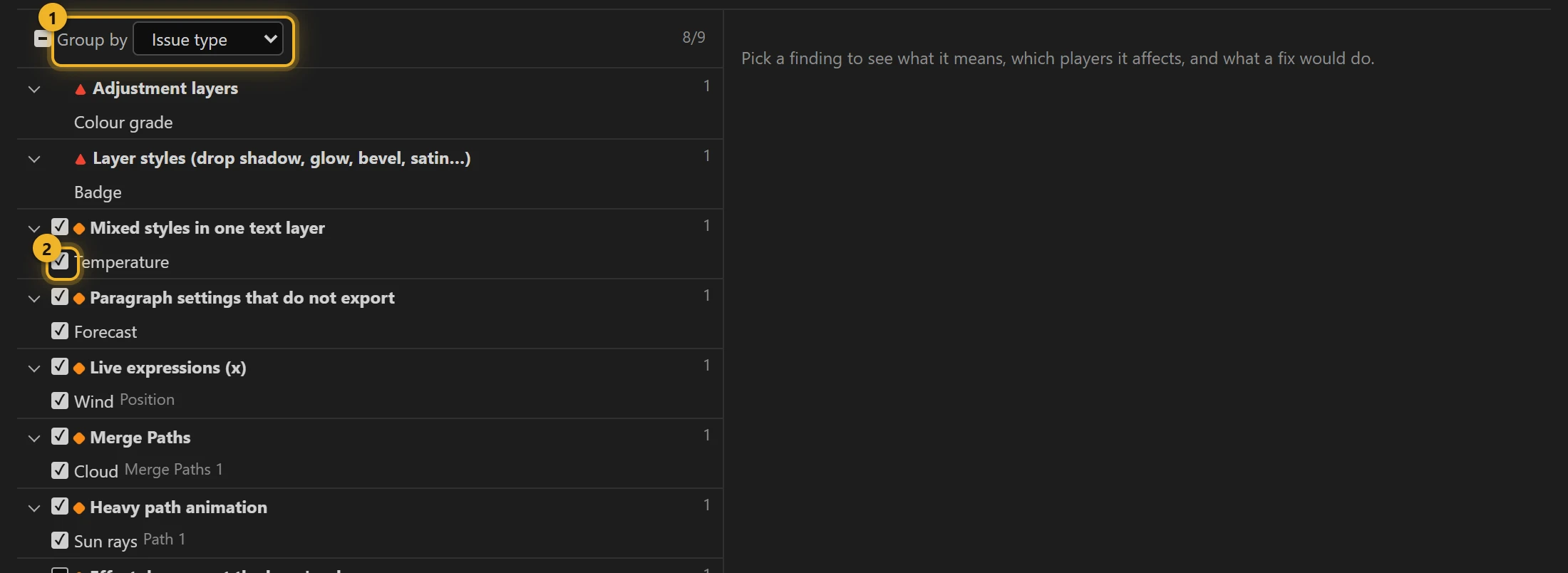
Findings are grouped by type 1. The ones with a tick 2 have an automatic fix; the others need your hands (or cannot be fixed in a Lottie at all).
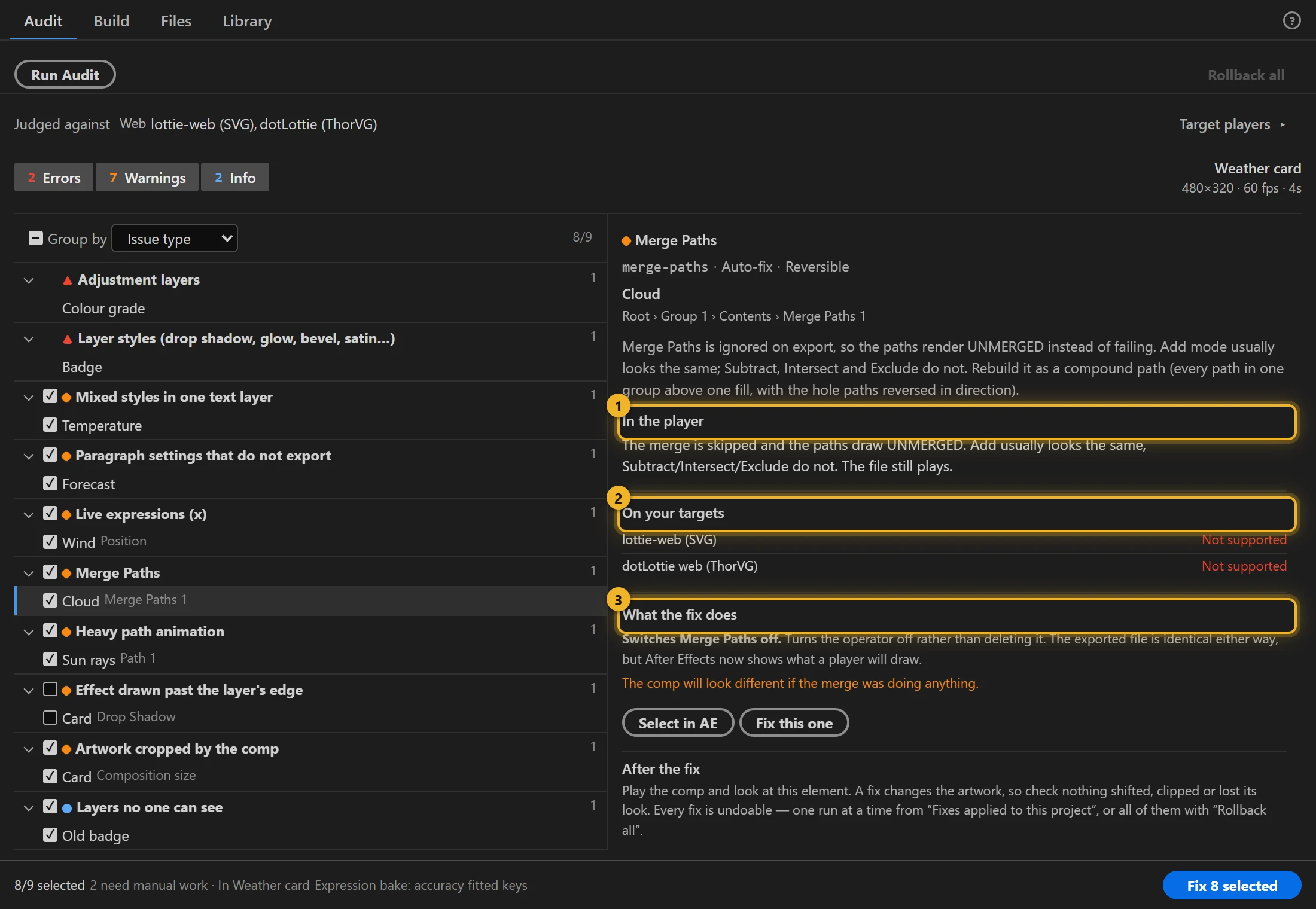
Pick one. The detail says what happens in the player 1, on each of your targets 2, and exactly what the fix would change 3. Here, Merge Paths: lottie-web and dotLottie both ignore it and draw the paths unmerged, and the fix switches it off so After Effects shows what the players will draw.
Errors first
An error means a target player cannot draw it: something will be missing. A warning means it will look different. A note is worth knowing and usually harmless.
4. Fix
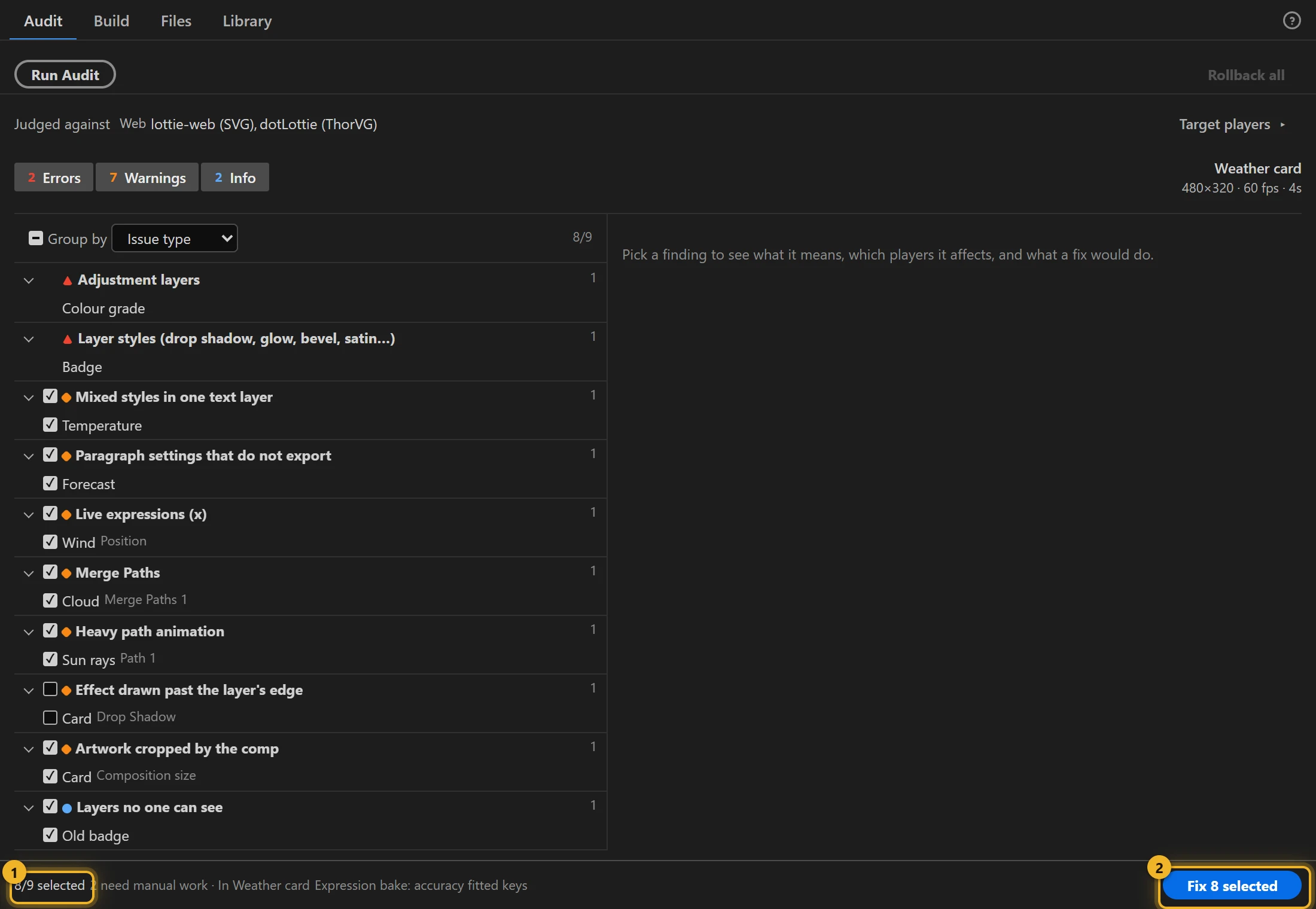
Untick anything you would rather fix by hand, then press Fix N selected 2 at the bottom. Beside it 1: how many are ticked, and how many need manual work.
Each repaired layer is duplicated: the working copy keeps the name and gets the fix, the original is switched off and tagged [axo:orig]. Look at the artwork now: the comp shows what the player will draw.
5. Undo, or keep
Not what you wanted? Press Undo on the toast 1. The audit runs again by itself: what is left is what the fix could not do.
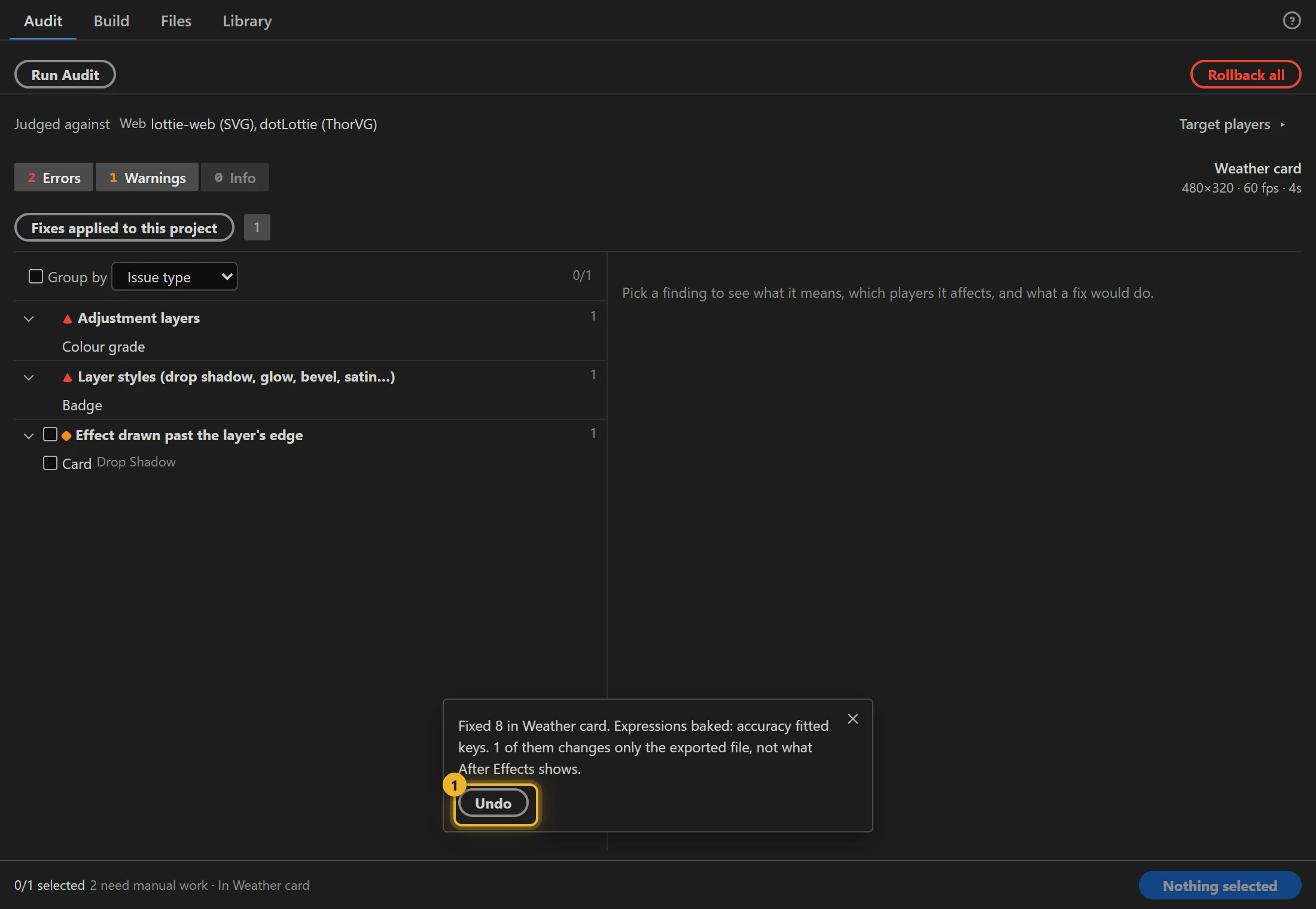
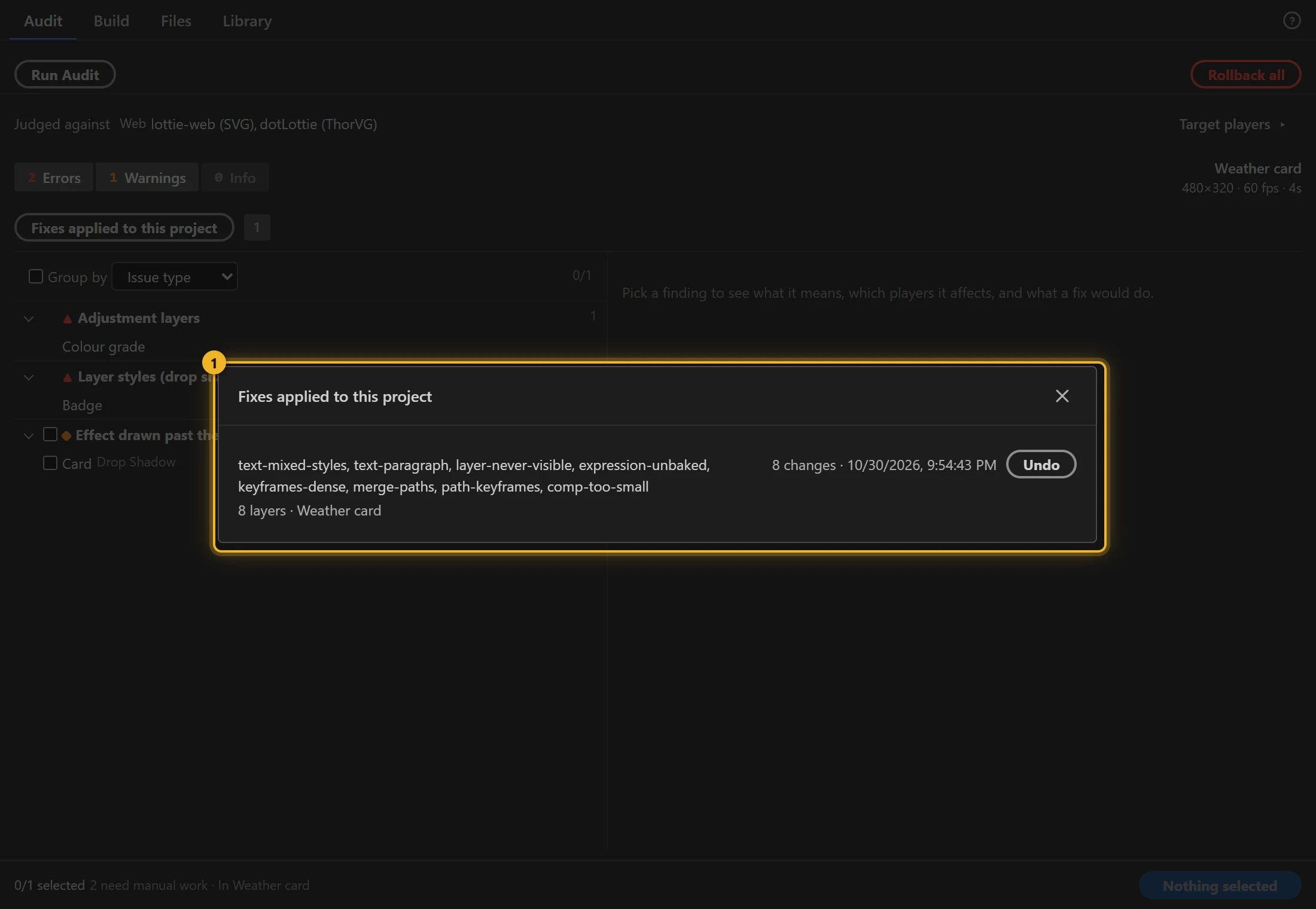
Later (even after closing and reopening the project), open Fixes applied to this project 1 and roll back one run, or use Rollback all.
6. What is left
Findings without a fix stay in the list with advice. Here, Adjustment layers is an error: no Lottie player can apply an adjustment layer to what is below it. Pre-render that look into the layers, or leave it out.
Next: Build the file.